⚠ Trading CFDs involves significant risk. You may lose your entire investment.
UE Capital Mobile App · iOS & Android

Trading, in your pocket.

Your trading accounts, wallet, deposits, and partnership earnings — all in one intuitive app. Built for how traders actually move through the day: on a phone, between meetings, between markets.

0
App Store rating
0
Active users
0
Avg. order latency
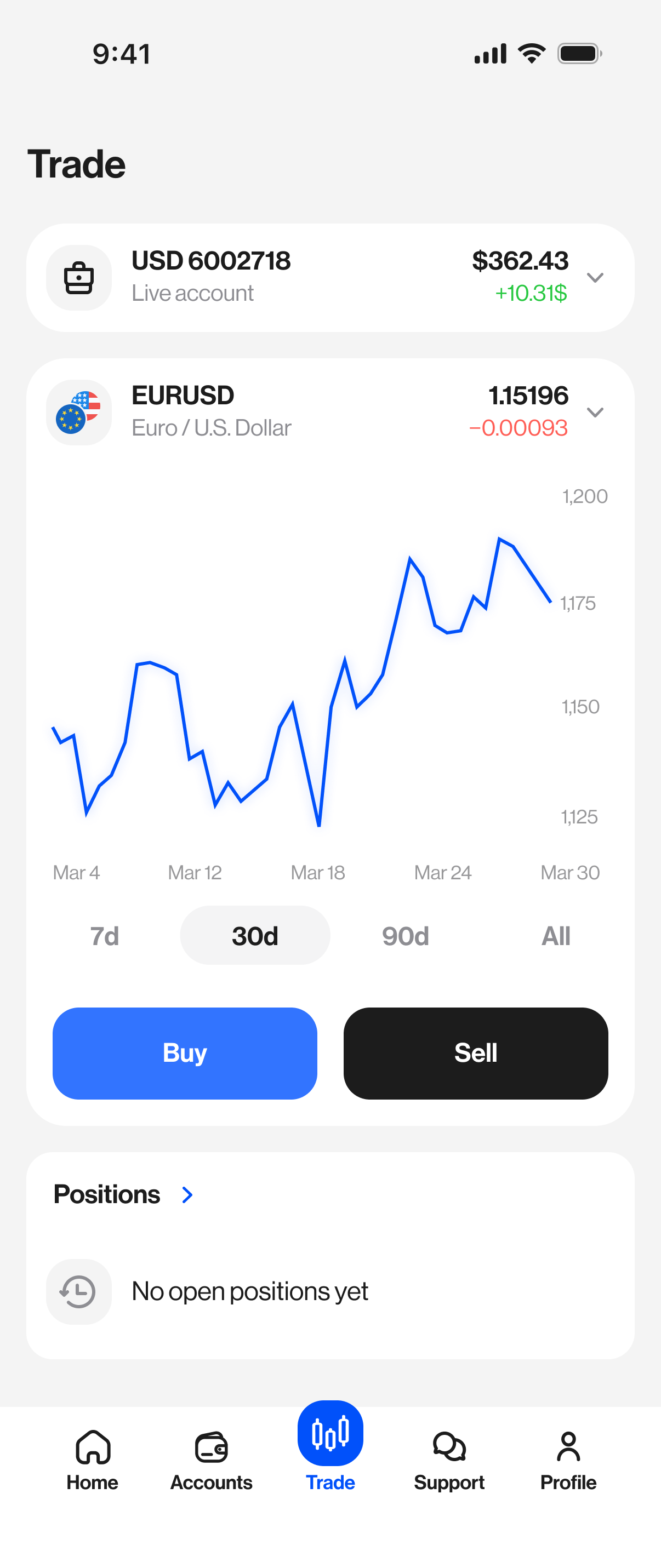
UE Capital trade screen
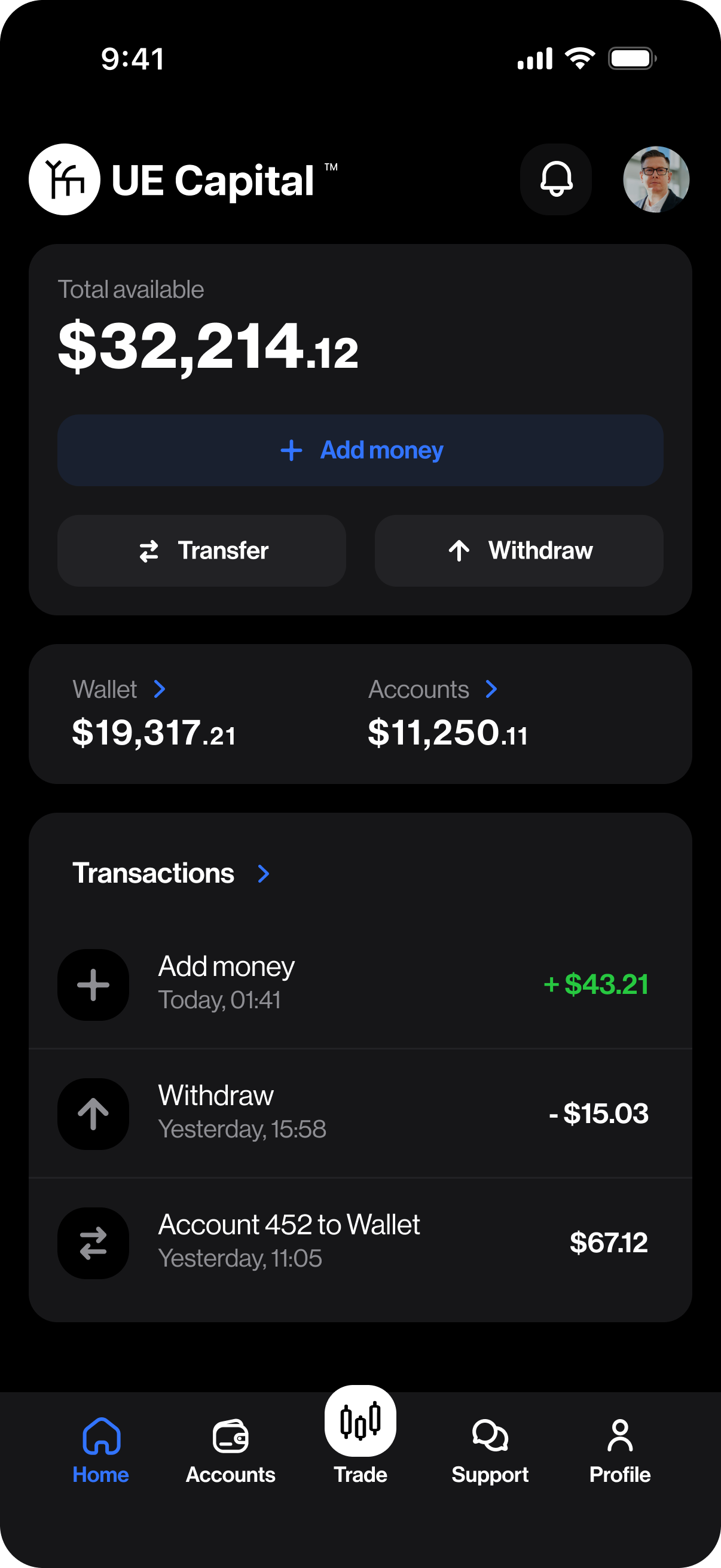
UE Capital home dashboard
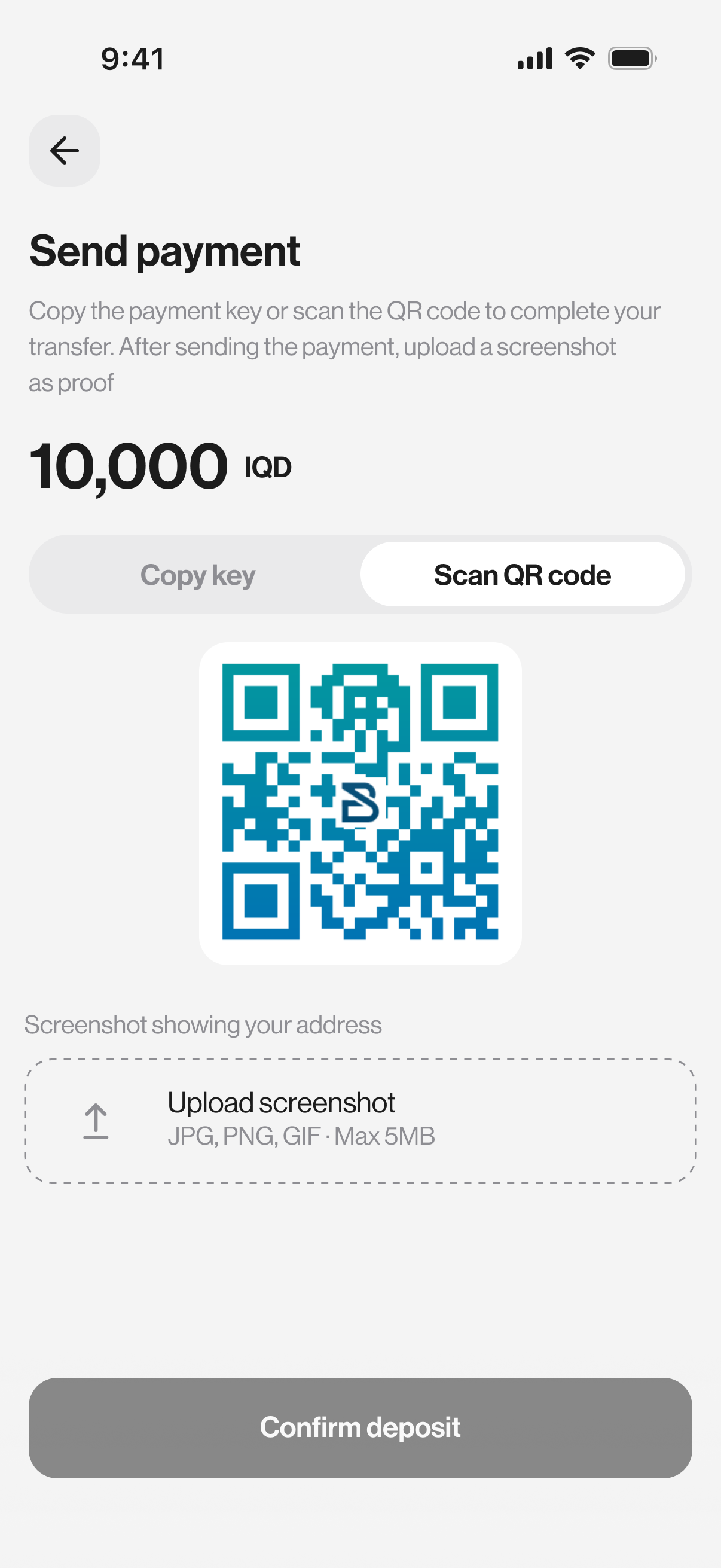
UE Capital deposit QR
Available on
iOS 14+
Android 8+
iPad
Face ID / Touch ID
Biometric security
2FA enabled
End-to-end encrypted

Four promises. Zero fluff.

Built directly around how UE Capital clients actually use a mobile trading product — every screen earns its place.

01

All your trading accounts, one app

Manage every live and demo MT5 account from a single client view. Switch instantly. Funds, not logins.

02

Manage your funds

Deposit by crypto, bank, or card. Transfer between wallet and accounts. Withdraw in seconds — not days.

03

Track everything in real time

Live prices, live positions, live P/L. Every movement across every account, streamed directly from our servers.

04

Earn with IB partnerships

Refer, track, and get paid — from your phone. Live rebate counters, sub-IB reporting, weekly payouts.

Built for every day.

Not a portfolio of features. A set of answers to specific questions you'll ask, often, while living your life.

01 — Dashboard

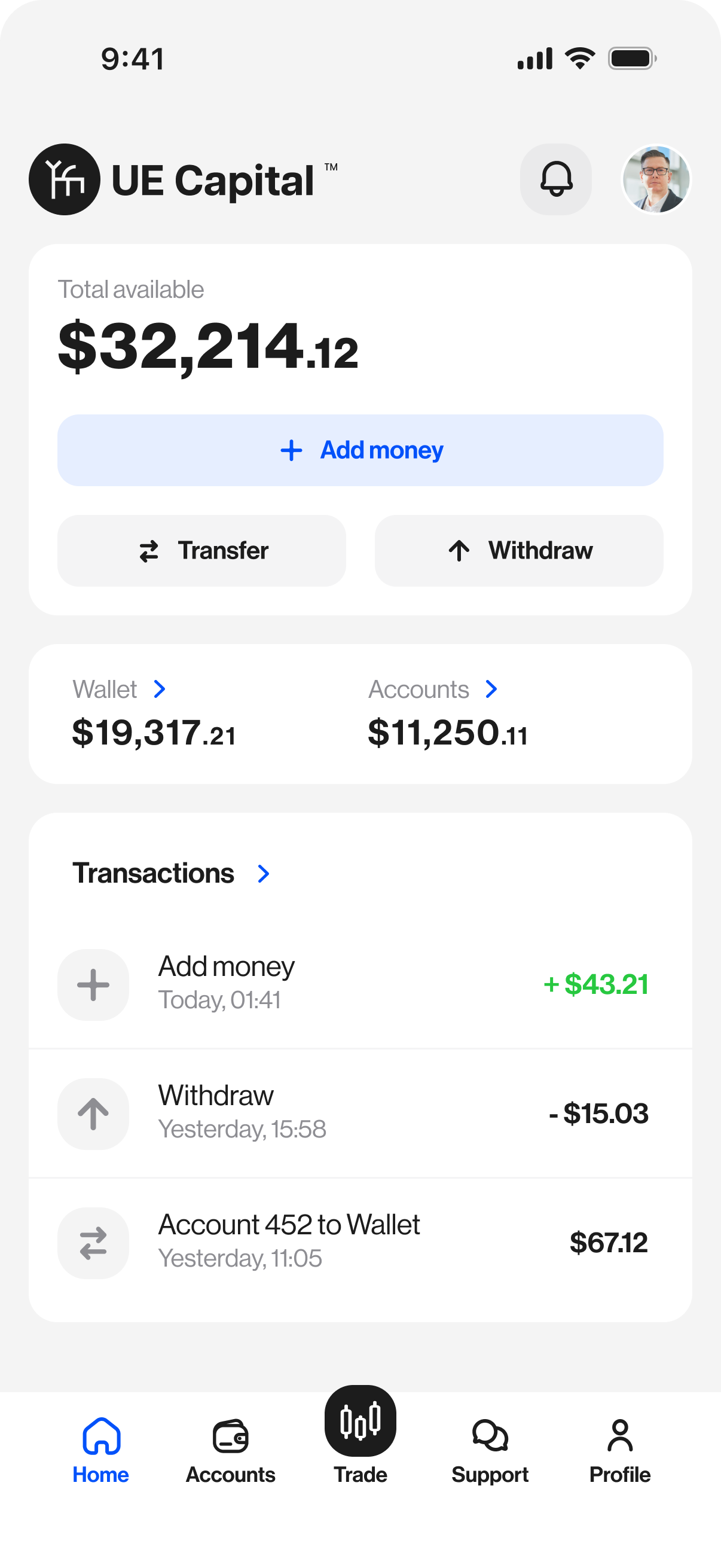
Total available. One glance.

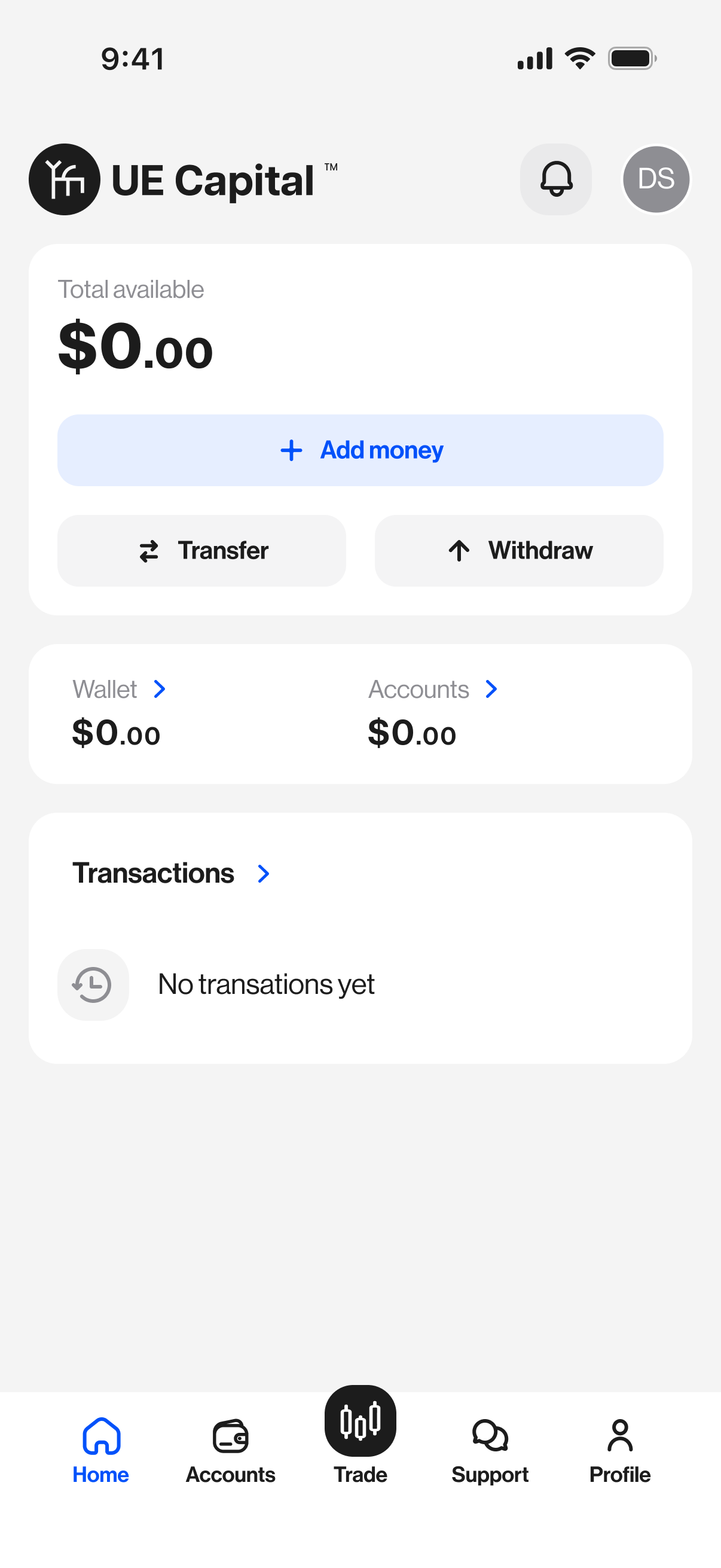
Open the app and the most important number is the first thing you see. No widgets to configure. No dashboards to build. Your total available capital, your wallet, your accounts — pre-ranked by what you need most.

  • Total available balance across all accounts, always up top
  • Wallet and account totals separated for clarity
  • Recent transactions inline — no extra tap required
  • One-tap access to add money, transfer, or withdraw
Dashboard
02 — Trade

Buy. Sell. Done.

Pick an instrument, see the chart, place the order. No buried menus, no confirmation gauntlets. The trading flow was redesigned from the ground up for a thumb, not a mouse.

  • Real-time charts with 7-day / 30-day / 90-day / All-time views
  • Buy and Sell buttons sized for one-handed use
  • Open positions visible without leaving the screen
  • Same execution stack as MT5 desktop — no compromise
Trade screen
03 — Deposits

Fund fast.

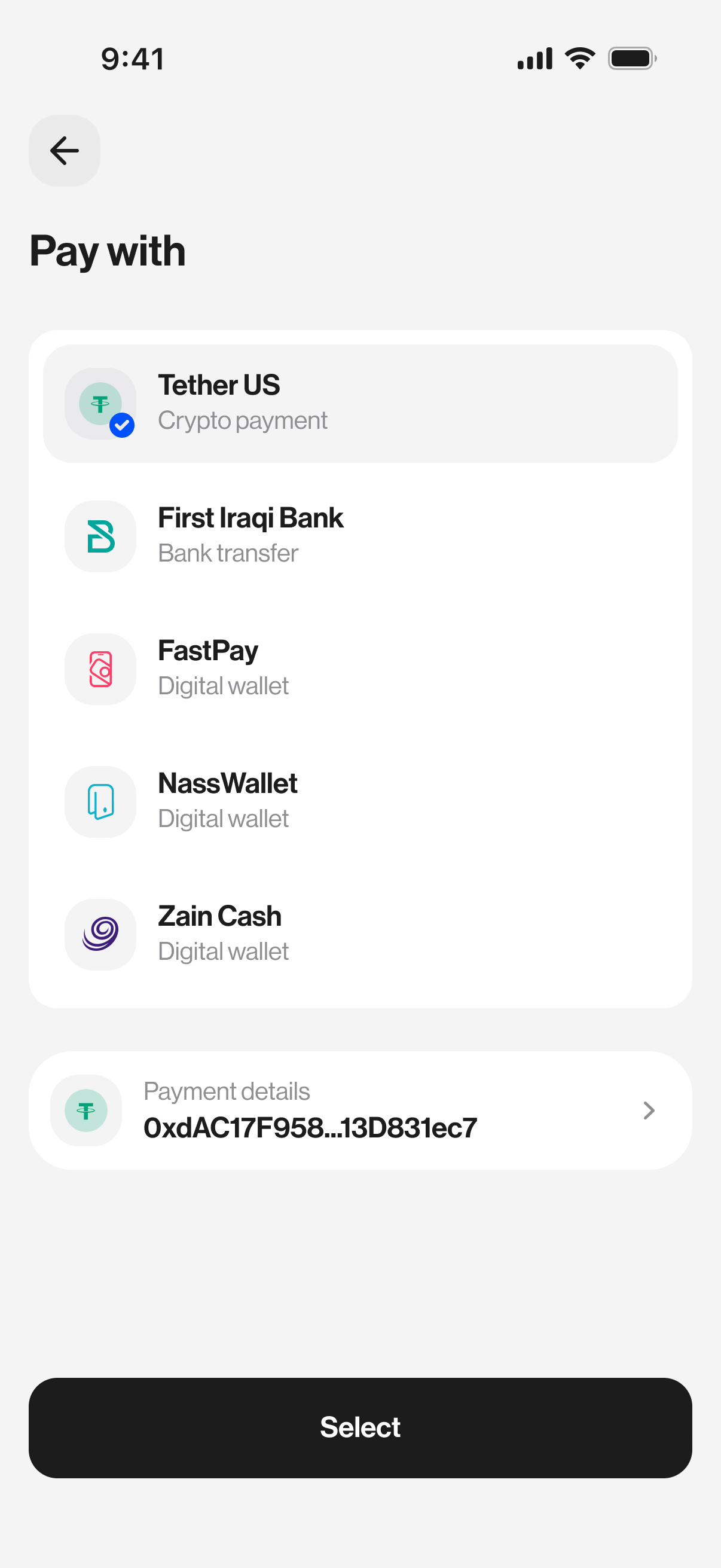
USDT on TRC20 or ERC20, bank wire, card, regional payment rails — the same four methods as the desktop portal, but optimised for a phone. Scan a QR to fund with crypto. Upload proof in two taps.

  • USDT deposits typically credit in 15–30 minutes
  • Scan-to-send QR — no typing wallet addresses
  • Regional payment rails (FastPay, Zain Cash, NassWallet)
  • Full transaction history with status tracking
Deposit QR
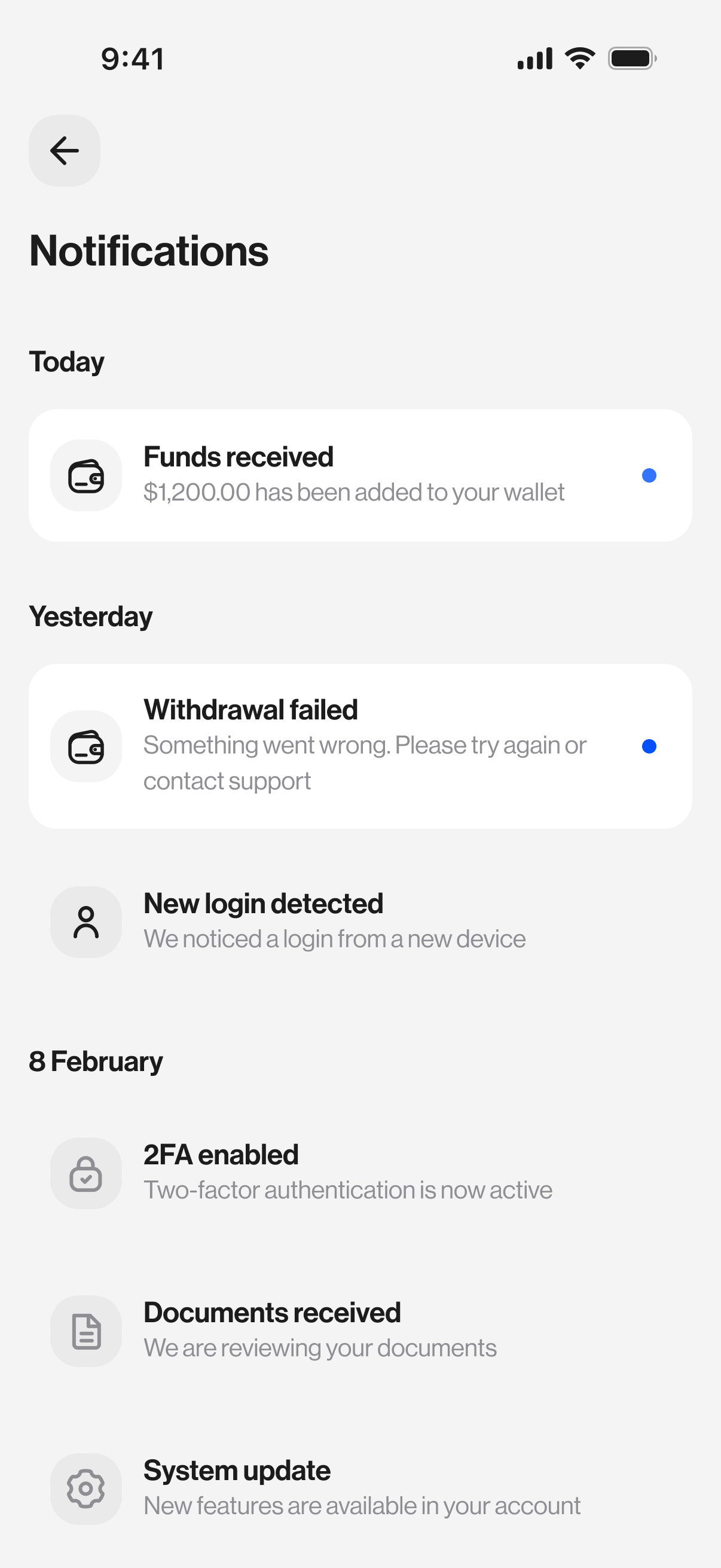
04 — Notifications

Only what matters.

Price alerts, funds received, withdrawals, security events. No marketing pings, no "you haven't traded this week" nagging. You get told about things that affect your capital — and that's it.

  • Funds in / out notifications in real time
  • Security alerts (new login, 2FA changes) push immediately
  • System updates separated from account activity
  • Granular notification controls — mute what you don't need
Notifications
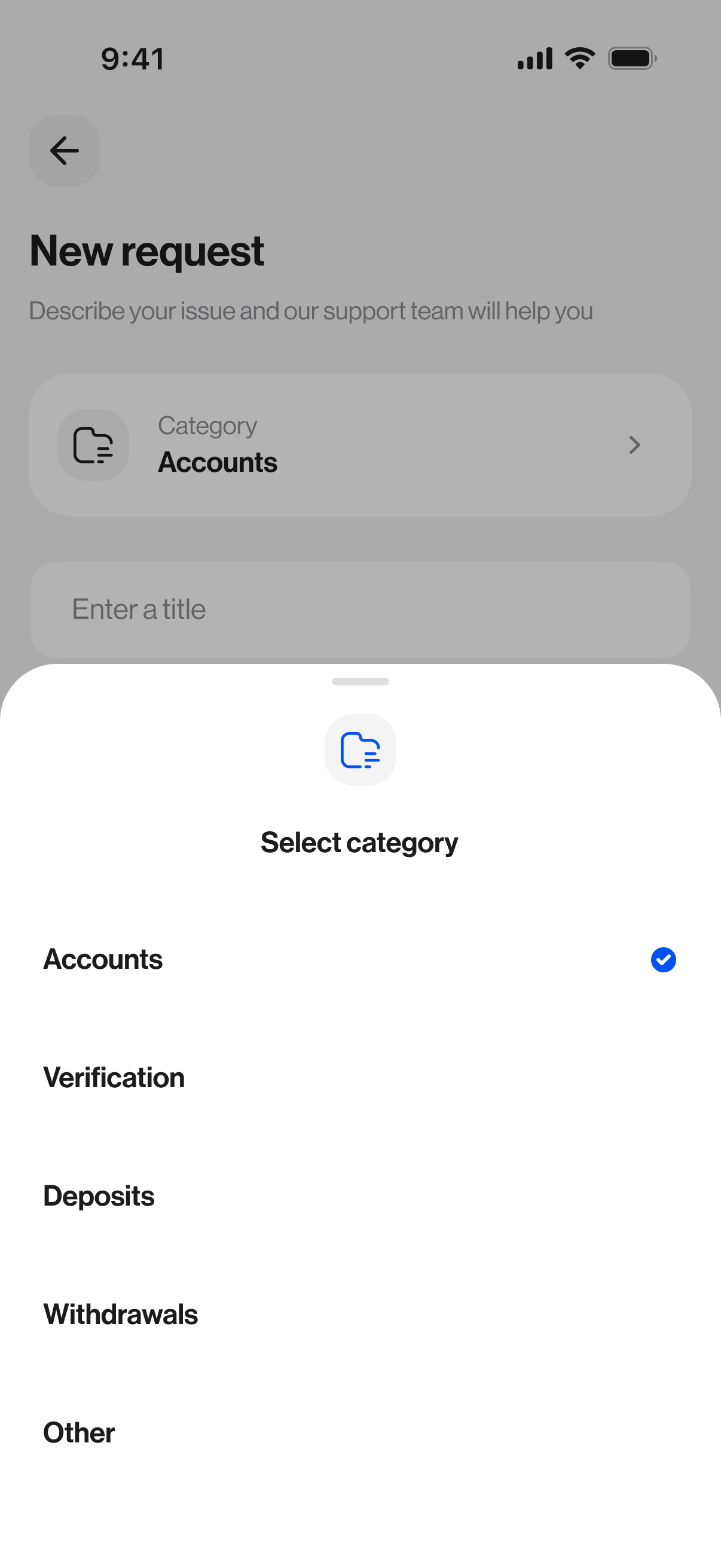
05 — Support

Humans. Fast.

Open a ticket from inside the app. Chat with a real support agent. Attach screenshots directly from your camera roll. Track status until it's resolved. No email threads, no ticket numbers to lose.

  • Live chat with category-routed support agents
  • Attach screenshots, documents, or PDFs with one tap
  • Ticket history preserved — pick up where you left off
  • Response within minutes during business hours
Support chat

Scan. Install. Trade.

Point your phone camera at the QR, or tap a store badge. The app is free to download — no subscription, no tier gating.

Scan to downloadue.capital/app

Locked by default.

Every sensitive action — sign-in, withdrawal, account creation — is protected by multi-layer defences. Biometrics on-device. Tokens encrypted at rest. Traffic TLS 1.3 end to end.

We designed the app assuming your phone gets lost tomorrow. Because one day, statistically, it will.

Face ID / Touch ID

Unlock with biometrics. No password typed outside the device.

PIN fallback

6-digit PIN with brute-force lockout and device-level revocation.

2FA on sign-in

Authenticator app or SMS — required for all new device logins.

Session timeout

App auto-locks after 5 minutes idle. Configurable in Profile.

Encrypted storage

Tokens stored in iOS Keychain / Android Keystore. Never plaintext.

Security alerts

Every new login or sensitive action pings you in real time.

Same execution. Different tools.

The app isn't a stripped-down MT5. It's a purpose-built client for tasks a phone does better. For heavy charting and EAs, the desktop is still the right choice — most of our clients use both.

Task
UE Capital App
MT5 Desktop
Check balance & positions
✓ Primary
Also works
Place quick market orders
✓ Primary
Also works
Deposits / Withdrawals
✓ Primary
Via portal only
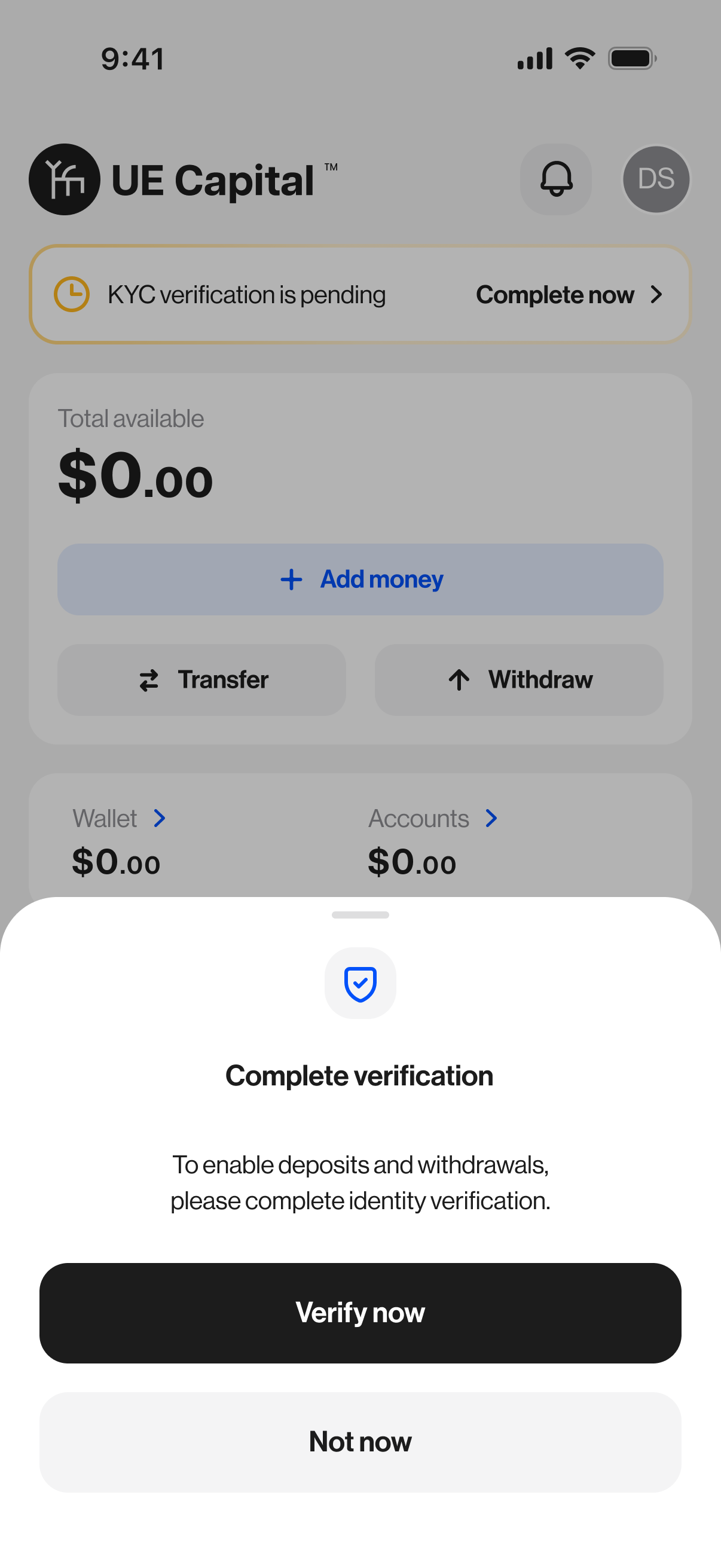
KYC document upload
✓ Primary
Via portal only
Support tickets & chat
✓ Primary
Via portal
Multi-indicator charting
Basic
✓ Primary
Expert Advisors (EA)
✓ Only
Strategy tester / backtests
✓ Only
Pending order management
✓ Supported
✓ Supported
IB partner earnings
✓ Primary
Via portal

Your rebate ledger. In your pocket.

Every IB in the network sees live per-client volume, per-lot rebate, and sub-IB overrides — updated in real time, readable on one screen. Weekly payouts confirmed in-app before they hit.

No more logging in to a dashboard to find out whether a withdrawal cleared. No more emailing for a volume report. Everything's already there.

See partnership programs
0
Max per-lot rebate
0
Sub-IB levels
Weekly
Payout cycle
This week · partner view
Direct clients · 142 lots+ $852.00
Sub-IB override · 340 lots+ $510.00
Payout Friday$1,362.00

The quick answers.

Is the app free?

Yes. The UE Capital app is free to download and use. There is no subscription, no paywall, and no tier gating on features. You pay exactly the same spreads and commissions as you would on the desktop.

Does the app use the same execution as MT5 desktop?

Yes. The app and MT5 desktop both route to the same execution stack that UE Capital owns directly as an MT5 Main Label operator. There is no difference in pricing, fill quality, or slippage handling between the two.

Can I run Expert Advisors from the app?

Not directly. EAs require the MT5 desktop client (or our VPS service) because they rely on MQL5 runtime. Your app account will see positions opened by your EAs in real time, but you launch and configure them from desktop.

Which phones are supported?

iOS 14 or later, and Android 8 or later. The app also runs natively on iPad with a tablet-optimised layout. Older devices may still work but aren't formally supported.

Is biometric login optional?

Yes. You can use Face ID / Touch ID, a 6-digit PIN, or your full password. Biometric is recommended for daily use because it's both faster and more secure than typing a password on a phone in public.

Can I have multiple accounts in the app?

Yes. Every live and demo MT5 account tied to your client profile appears automatically. You can switch between them without logging out, and transfer funds between accounts and your wallet instantly.

Install in 30 seconds.

Free on iOS and Android. No account required to install — create one in the app itself, fund it, start trading.